
Dynamic Date Picker
One component to support both single date and date range selections.
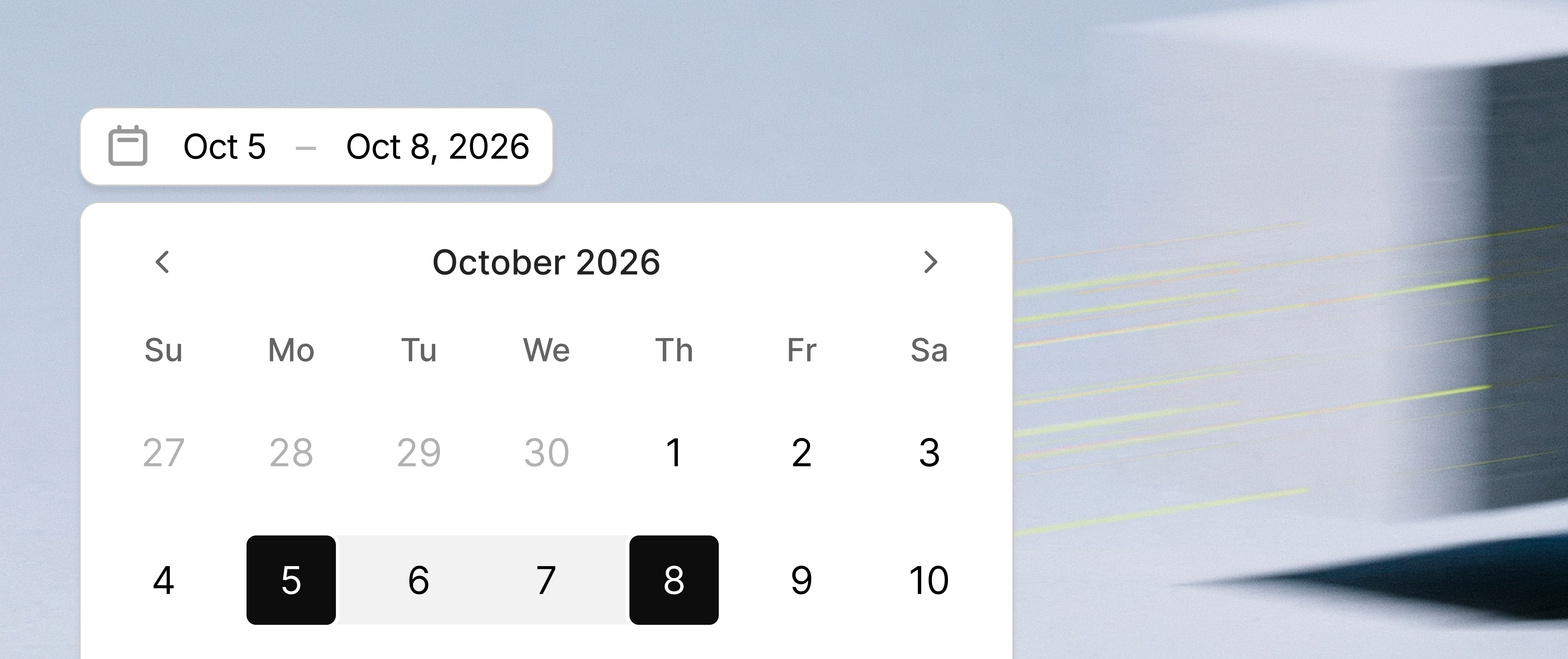
Overview
A date is sometimes one day and sometimes a span. The usual answer is two fields. That adds a couple of clicks, it looks like a form, and it isn't flexible. Once the type is chosen, the control can't change its mind.
I wanted one field. Empty, a single day, or a range, and it should feel like it already knows which of those you're doing. The work was that guess.
Staying open
A single-date field usually closes the moment you pick a day. That's a clean ending for one day. It also means a range has to be a different control, because the popover is already gone.
The first click here sets the day and leaves the calendar open. Escape, or a click outside, keeps that day. A second click, before you leave, turns it into a range and closes.
day30Makes the
range
Leave, and it's one day
A day you already have opens the same way. There is no range preview. You opened a day. The first click replaces it and stays open. The next click makes the range. Closing before that first click keeps the day you had.
Outside click closes
Which end moves
A range that's already set is the part that usually guesses wrong. You open the calendar, click a day inside the span, and the wrong end jumps. Or the range is thrown out and you start over.
If you haven't said which end you're editing, the nearer one moves. Closer to the start, the start moves. Closer to the end, the end moves. A day exactly in the middle moves the end, up to that day.
On Oct 22 – Oct 30, the 24th moves the start. The 28th moves the end. The 26th is the middle, so the end comes up to the 26th. A day outside the span starts over. Leave then, and that day is the selection.
Where you click
The other guess is where on the field the click landed. The field is a stack.
The field
The icon, the dash, and the padding are the base. That opens the range as it is. You aren't editing an end yet. From there you can start over, including turning the range back into one day.
The start and the end
Those words sit on top of the base. Click the start, and you're changing the start. The end stays. Click the end, and you're changing the end. The range stays on the grid while you do it. The end you're about to replace is faded. The one you're keeping stays solid. Leave without a new day, and the original range is still there. Click the end you're keeping, and the span collapses to that one day.
Rest of the field
Recap
I spent the time to work through the logic because I wanted a component that felt intuitive, like it was reading my mind. I called out the moments along the way that felt unexpected, and refined the component until it felt intuitive.
Staying open
The first click sets the day and leaves the calendar up. Leave, and that day stays. A second click makes the range.
Which end moves
If you didn't say which end you're editing, the closer one moves. A day in the middle moves the end.
Where you click
The field opens the range as it is. The start word edits the start. The end word edits the end.